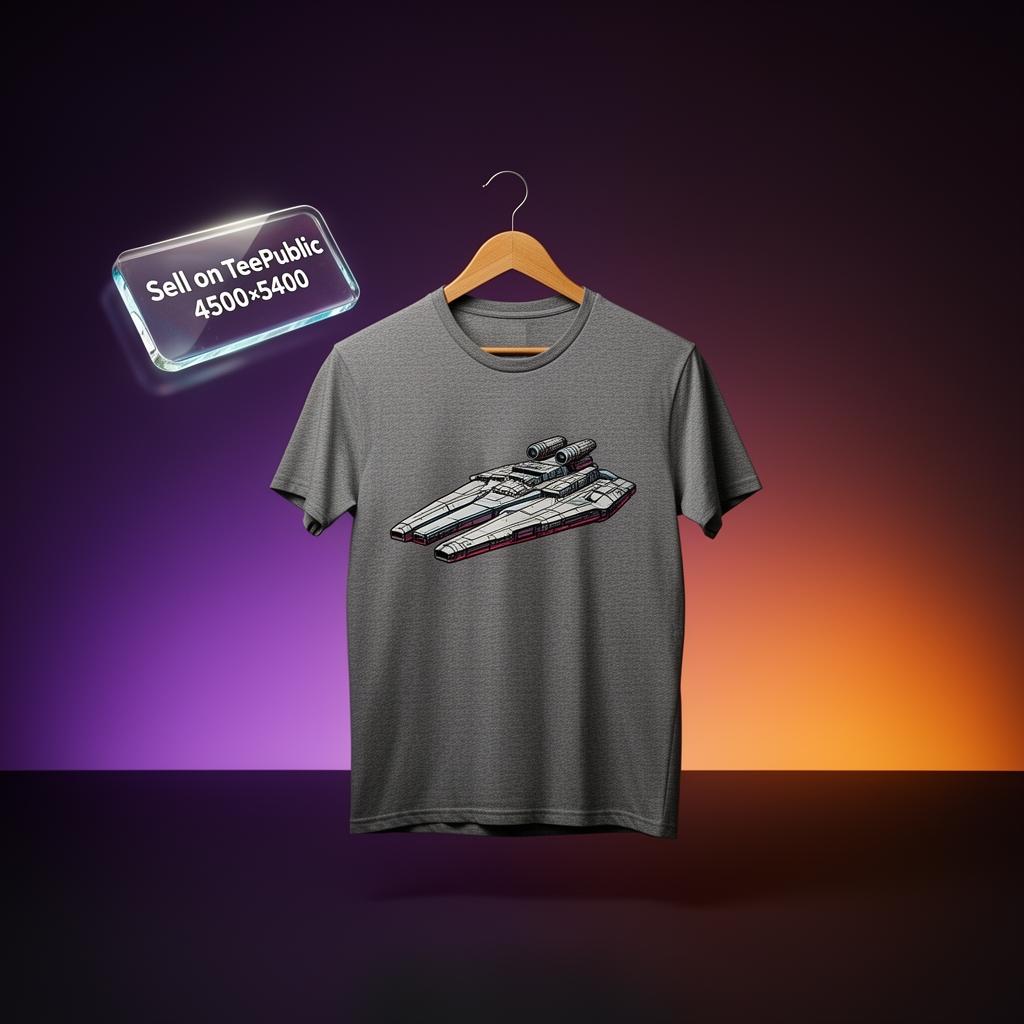
TeePublic is the fandom-and-pop-culture print-on-demand marketplace. Founded in 2013 and acquired by Redbubble Group in 2018, TeePublic sits on the same fulfillment backbone as Redbubble but with a completely different audience, royalty model and merchandising rhythm. ~12 million monthly visitors, ~70 product types, and the famous storewide $14 sales that drive volume. This guide walks through exactly how to sell on TeePublic in 2026: account setup, upload spec, the flat-fee royalty math, what sells, and how to combine TeePublic with Redbubble for portfolio leverage.
Is selling on TeePublic worth it in 2026?
Yes — especially if you design for fandom, anime, gaming, music or pop-culture niches. TeePublic's audience is younger and more sub-culture-engaged than Redbubble's, and the sales-driven merchandising means even small creators can hit volume through TeePublic's regular promotional rotations. The flat-fee model also makes payout math predictable: you always know exactly what each sale pays.
Step 1 — Open your TeePublic artist account
- Go to
teepublic.com/sell-artwork and click "Sell on TeePublic". - Create a free account with email + password. Choose your username carefully — it becomes
teepublic.com/user/yourname and is your TeePublic storefront URL. - Verify your email and complete your artist profile (avatar, bio, social links).
- Submit a W-9 (US) or W-8BEN (international) tax form in Account Settings before publishing. Royalties don't accrue without tax forms on file.
- Add PayPal under Payment Settings. TeePublic pays monthly with a $20 minimum.
Step 2 — Prepare artwork to TeePublic spec
- Format: PNG with transparent background. Avoid JPG — white edges will print on apparel.
- Resolution: 4500×5400 pixels at 150 DPI (TeePublic accepts files this large for full apparel + accessory product access).
- Color profile: sRGB. Avoid CMYK.
- Bleed area: Keep core elements within the safe-zone overlay TeePublic shows during upload — every product type crops differently.
- Dark + light versions: Upload both light-shirt and dark-shirt variants of each design. TeePublic shows both in the same listing and lets the buyer pick — and this single change can lift conversion 20–40%.
Step 3 — Upload, enable products, set listing metadata
From the artist dashboard, click "Upload artwork". Drag your file, position it on the mockup, then walk through every product category and toggle which ones to enable. Enable everything by default — disable later only if a product looks wrong (e.g. busy all-over patterns on phone cases).
Step 4 — Understand TeePublic's flat-fee royalty model
Unlike Redbubble's artist-margin percentage, TeePublic pays flat dollar amounts per product type, regardless of retail price. In 2026 the standard rates are approximately:
- Classic t-shirt full price ($20): ~$4 royalty
- Classic t-shirt during $14 sale: ~$2 royalty
- Sticker: ~$2 royalty
- Pullover hoodie: ~$5 royalty
- Mug: ~$3 royalty
- Poster: ~$3 royalty
This means TeePublic pays less per sale than Redbubble's 20% margin on premium SKUs (hoodies, framed prints) — but more predictably and with no pricing decisions to make. During TeePublic's regular $14 storewide sales, royalty drops about 50%, but unit volume during sales often triples or quadruples — so total sale-period revenue exceeds a typical week.
Step 5 — TeePublic SEO: title, tags, description
- Title (under 80 chars): Lead with the niche + audience + product type. Example: "Vintage Anime Cat Coding Hoodie for Software Developers".
- Tags (up to 50): mix the fandom (anime, gaming, sci-fi), the aesthetic (vintage, retro, kawaii), the audience (developers, gamers, fans), and adjacent communities (90s kids, dnd players, manga readers). Our tag generator outputs TeePublic-ready sets when you switch the platform.
- Description: 100–200 words. Front-load the niche keyword in the first sentence. Mention the occasion (gift for, birthday, fans of). Add the design inspiration in 1–2 sentences.
Step 6 — Lean into TeePublic's fandom culture (carefully)
Fandom is where TeePublic dominates, but it's also where trademark and copyright risk is highest. Rules of thumb:
- Original parody and tribute — generally safe when transformative. "Cats are my favorite genre of music" outsells direct band-logo rips, and it doesn't get taken down.
- Direct fictional-character art or studio logos — gets removed, repeatedly. Account warnings stack.
- Hobby and sub-culture niches (dnd players, pickleball fans, indie coffee shops, podcasters) are uncrowded gold — Redbubble has them, TeePublic has fewer competing listings.
Step 7 — Cross-list to Redbubble (same designs, two storefronts)
Because TeePublic and Redbubble share the same operator, there is no cross-listing penalty — most successful artists upload identical designs to both. Drive your own social and SEO traffic to Redbubble (bigger audience, broader catalog) and let TeePublic catch the fandom-and-pop-culture searchers organically. See our Redbubble vs TeePublic comparison for the full royalty math.
The bottom line
Sell on TeePublic in 2026 if your work is fandom-adjacent, sub-culture-engaged, or pop-culture-driven — and always cross-list to Redbubble as the same designs run on the same backend. Upload 100+ designs in your first 90 days, optimize titles and tags for the niche (not generic "funny" or "cool"), and lean into the $14 sale cycles as volume-discovery events rather than as profit-suppressors. Run the free niche finder to confirm which fandom niches still have under-50%-saturation in 2026 before designing.