Getting StartedPublished 12 min read
How to Sell on Redbubble in 2026: Beginner's Complete Playbook
8 steps from $0 to your first sale — shop setup, niche validation, the 50-tag formula and the portfolio milestones that actually compound.
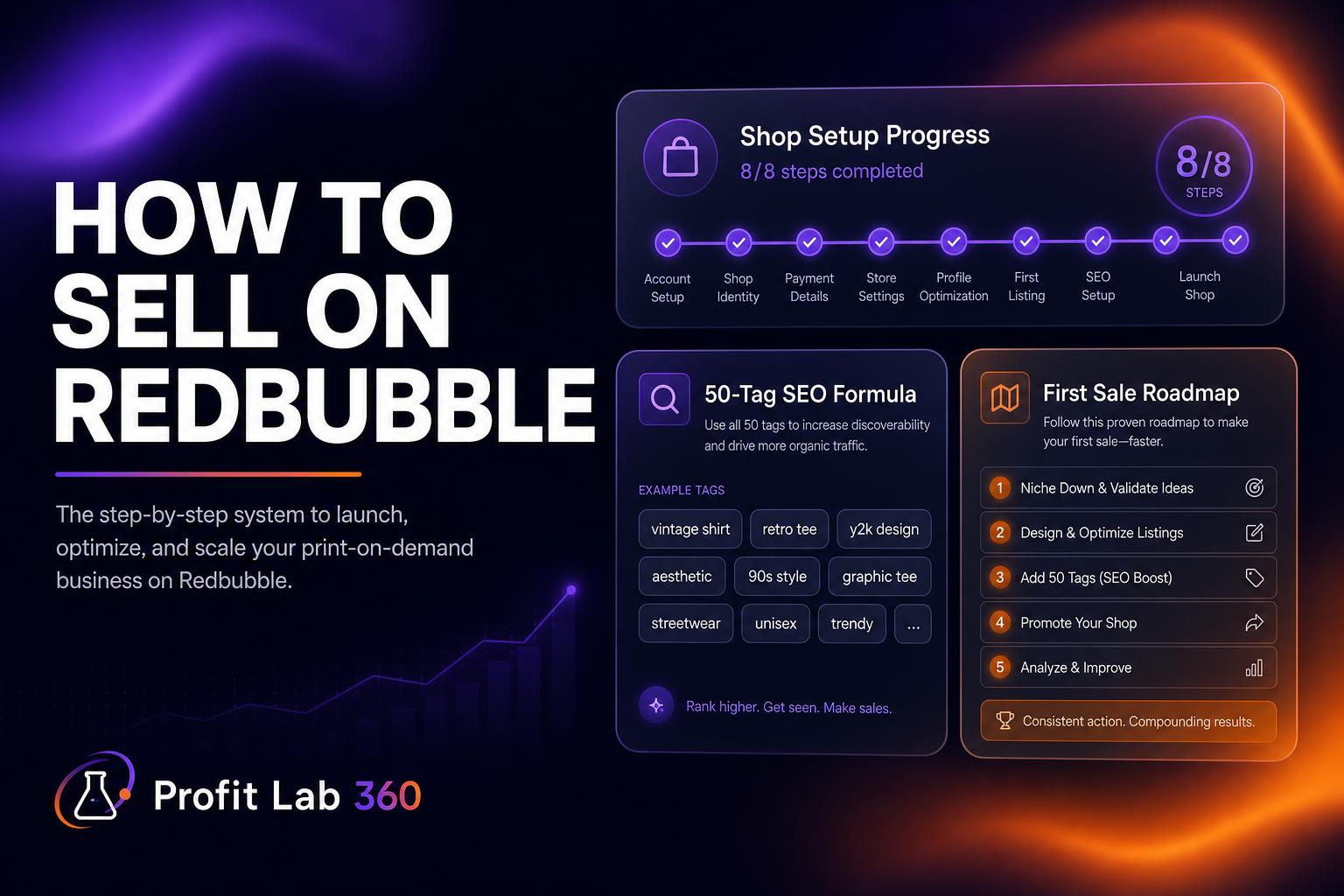
8 steps from $0 to your first sale — shop setup, niche validation, the 50-tag formula and the portfolio milestones that actually compound.
Selling on Redbubble is straightforward in mechanics and brutal in execution. Anyone can open a free shop in 15 minutes. Almost nobody makes meaningful income from it because 90% of new sellers skip the two things that actually matter: niche research and SEO tags. This guide is the no-fluff 2026 playbook — every step a real beginner needs, in the order it needs to happen.
That's it. You are now a Redbubble artist. The hard part starts now.
This is the single most common beginner mistake: designing what they personally like, then hoping it sells. Markets do not care what you like. A good Redbubble niche has three things at once:
You can do this by hand (search Redbubble, count results, check Google Trends) or use our niche finder which scores niches 0–100 on demand, saturation and profitability in 20 seconds.
Beginners ask "which design software should I use?" — the honest answer in 2026 is: it doesn't matter. What matters is that the design fits the buyer. Three rules:
Tools that work: Procreate (iPad), Photoshop, Illustrator, Affinity Designer, Figma, or AI generators like our built-in design studio.
On the upload page you pick which products your design appears on. Defaults are bad — Redbubble auto-enables everything, including products where your design will look terrible (small clocks, leggings with a tiny logo in the corner). Manual rules:
This is where most sales come from. Get this wrong and your design is invisible.
[Primary keyword] [audience modifier] [product type]. Example: "Cottagecore Frog Reading Books — Vintage Botanical Illustration". First five words matter most — Redbubble's search weights them heavier.
Redbubble allows exactly 50 tags. Use all 50. Mix:
Never repeat the same keyword in different tags — Redbubble detects stuffing. Our tag generator produces all 50, ordered by demand, with zero duplication.
120–160 words. First sentence summarizes the design in plain language (Google indexes this for external SEO). Then a paragraph about who the design is for. Close with 2–3 gift occasions. Redbubble's internal search reads the description too — it's free ranking power.
Default margin is 20%. The sweet spot for beginners is 18–22% on stickers and apparel, up to 30% on wall art and home goods. Below 15% you barely cover your time; above 30% you start killing the impulse-buy audience that Redbubble depends on.
Use our fee calculator to see exact dollar royalty per product before you set margins.
Single designs almost never produce sales. Redbubble rewards portfolio depth — the platform's algorithm surfaces shops that consistently upload. Realistic milestones:
Every design you make for Redbubble can be re-uploaded to TeePublic (owned by Redbubble, different audience), Society6 (higher-margin wall art), and Amazon Merch (huge buyer base, hard to get in). Same design, multiple income streams. Our platform comparisons show where each design pays best.
With 100 well-tagged designs in a researched niche: first $100 month within 4–6 months. First $1,000 month within 18–24 months if you keep uploading. Anyone telling you faster timelines is selling a course.
Don't pick a niche guessing. Run our free niche finder — three demand-validated, low-saturation Redbubble niches in under a minute. No credit card.